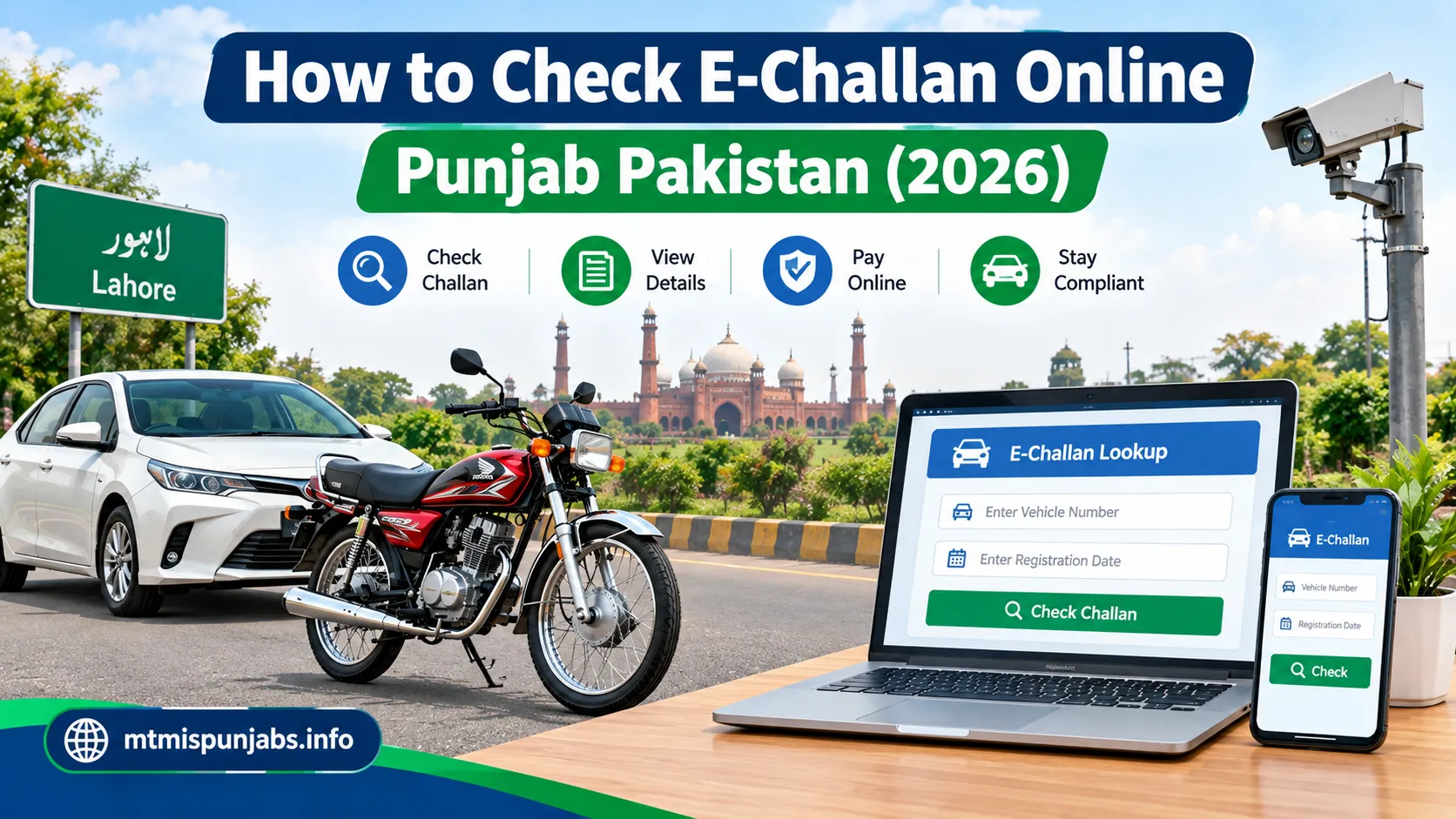
How to Check E-Challan Online in Punjab Pakistan (2026)
Introduction
Have you received a traffic fine in Punjab, Pakistan, or want to check whether your car or motorcycle has an outstanding e-challan? Checking online can help you find available challan information and understand what steps to take next.
An e-challan is an electronic traffic violation notice. Depending on the system and the type of violation, it may be issued for offences such as speeding, signal violations, or other breaches of traffic rules. Electronic enforcement systems can record violations without requiring a traffic officer to stop the vehicle at the time.
Drivers in Punjab can use official online services to check available traffic challan information and follow the applicable payment instructions. In this guide, you will learn how to check an e-challan online, what details you may need, how to approach payment, and what to do if your challan details appear incorrect.
For more vehicle-related guides, visit MTMIS Punjab Online.
Official E-Challan Checking Website
Use the official Punjab Safe Cities Authority (PSCA) portal to check available traffic challans:
Check E-Challan Online — Official PSCA Portal
The portal asks for the vehicle’s registration plate and the owner’s CNIC or the vehicle’s chassis number. Follow the on-screen instructions and complete any CAPTCHA shown.
An e-challan is an electronic traffic fine issued when a driver violates applicable traffic rules. The Punjab Safe Cities Authority uses technology, including traffic monitoring and number plate recognition systems, to support the detection of traffic violations.
Depending on the offence and enforcement process, a challan may relate to speeding, signal violations, improper lane use, or other traffic violations.
Checking your e-challan regularly can help you identify outstanding fines, review the available information, and take the appropriate action before a minor issue becomes a bigger inconvenience.
Step-by-Step Guide to Check E-Challan Online
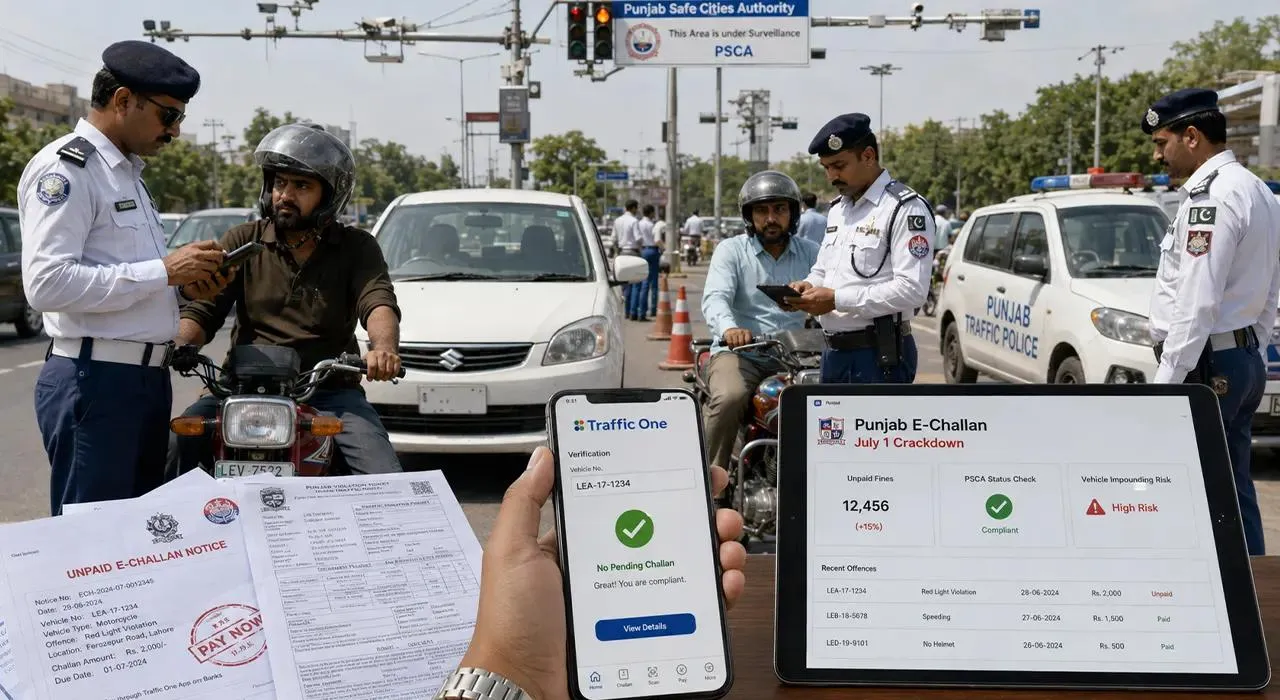
Step 1: Open the Official PSCA Website
Visit echallan.psca.gop.pk. Make sure the website address is correct before entering any personal or vehicle information.
Step 2: Enter Your Vehicle Number
Enter your car or motorcycle registration number in the field provided. Use the format accepted by the portal and double-check the letters and numbers.
Step 3: Enter Your CNIC or Chassis Number
The portal requests the owner’s CNIC or the vehicle’s chassis number, along with the registration plate. Enter the requested information carefully and complete any security verification displayed.
Keep your personal information private and enter it only on the official service.
Step 4: Search for Available Challans
Submit the details using the search button. If a matching record is available, review the challan information displayed on the screen.
Check the vehicle details, violation information, date, and amount shown. If no challan appears, it does not necessarily prove that no notice exists through another enforcement process.
Step 5: Save the Relevant Information
If a challan is displayed, keep a record of its reference details so that you can identify it when making payment or contacting the relevant authority.
For more useful vehicle-related guides, visit MTMIS Punjab Online.
How to Pay an E-Challan Online in Punjab
After verifying your challan, follow the official payment instructions.
-
Open the official ePay Punjab website or use the official ePay Punjab mobile application.
-
Follow the available instructions for traffic challan payments.
-
Generate the required Payment System Identifier (PSID) where prompted.
-
Pay using a supported payment channel, such as eligible mobile or internet banking, an ATM, or an authorized over-the-counter option.
-
Save the payment receipt and reference number for your records.
The available payment methods may change, so confirm the current options through ePay Punjab. Its official payment guidance explains the PSID-based process.
Important: Checking a challan and paying a fine are separate steps. Do not assume that a challan has been paid until you have a valid payment confirmation.
What Should You Do If Your E-Challan Details Are Incorrect?
If the challan shows an unfamiliar vehicle, incorrect registration information, or a violation you believe is mistaken, do not ignore it.
-
Recheck the registration number and the information on the notice.
-
Keep screenshots or copies of the challan and relevant vehicle documents.
-
Contact the appropriate traffic police or PSCA support channel for guidance.
-
Follow the official procedure for reporting a disputed challan.
-
Keep any complaint reference or acknowledgement you receive.
You can also seek assistance through the relevant official helpline. A disputed notice should be addressed through the authorized process rather than through an unofficial website or intermediary.
Beware of Fake E-Challan Messages
Scammers sometimes send messages pretending to be from traffic authorities. These messages may contain suspicious payment links or ask for banking information.
The Punjab Safe Cities Authority has warned citizens about fraudulent e-challan messages. According to its reported guidance, official PSCA e-challan SMS notifications are sent from short code 9915, and they do not contain payment links or requests for banking information. Verify any notice through the official portal before taking action.
Never share your ATM PIN, password, one-time password, or full banking credentials in response to a message claiming to be about a traffic fine.
Frequently Asked Questions
Can I check my e-challan online for free?
You can use the official PSCA verification portal to look up available challan records. Check the official website for current service instructions and do not pay an unknown third party just to search your record.
Can I check a motorcycle e-challan?
Yes. Enter the motorcycle’s registration number and the other information requested by the official portal.
Can I check a challan using my CNIC?
The official PSCA portal asks for a vehicle registration plate and either the owner’s CNIC or the vehicle’s chassis number. Follow the current instructions on the portal.
What if no e-challan appears?
Check your information for typing errors and try again. If you have received a notice that does not appear online, contact the relevant authority to confirm its status.
How do I know if my e-challan payment was successful?
Keep the payment confirmation and PSID details. If the status does not update, contact the payment provider or relevant authority with your transaction reference.
Conclusion
Checking an e-challan online in Punjab Pakistan is a practical way to review available traffic fine records and understand whether further action is needed. Use the official PSCA portal to verify the challan, and use the authorized payment process to settle any confirmed fine.
Always be careful with suspicious SMS messages, verify details before paying, and keep your receipts. For more information about vehicle registration, motorcycle verification, token tax, and other related topics, visit MTMIS Punjab Online.