How to Verify Vehicle Registration Online in Punjab via MTMIS (Step-by-Step Guide)
Are you planning to buy a used car or motorcycle in Punjab? Verifying the vehicle’s registration is the most critical step to ensure you aren’t falling victim to fraud. Buying a vehicle with fake documents, tempered chassis numbers, or stolen status can lead to severe legal and financial trouble.
The Government of Punjab, through the Excise, Taxation & Narcotics Control Department, has made this process incredibly simple with the Motor Transport Management Information System (MTMIS).
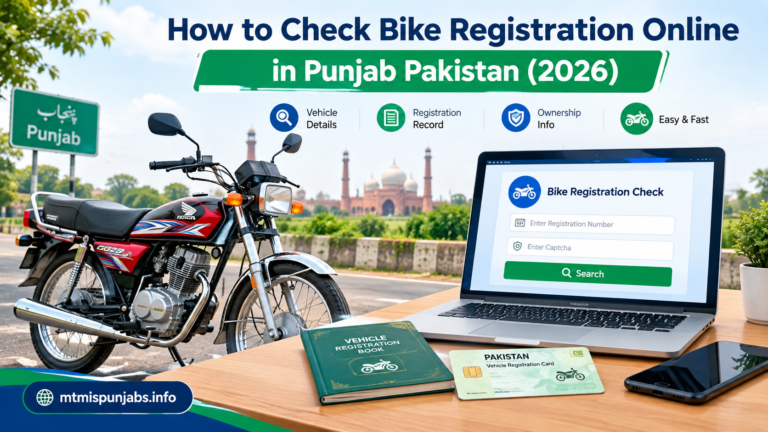
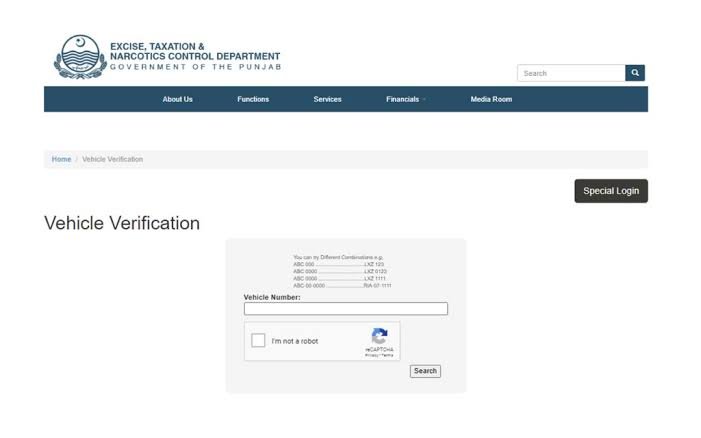
Here is what the online portal looks like:
Why You Must Verify Before You Buy
Every year, thousands of used vehicles are traded in Punjab. Unfortunately, scams are common. MTMIS helps you independently confirm:
-
True Ownership: Does the vehicle actually belong to the person selling it?
-
Engine & Chassis Match: Do the physical numbers on the vehicle match the official government records?
-
Tax Defaulters: Are there years of unpaid token taxes that you will be forced to pay after transfer?
Step-by-Step Guide to Online Verification
You don’t need to visit an Excise office or stand in long lines to perform a basic check. Just follow this exact sequence:
Understanding Your Results
Once you hit search, MTMIS will display a digital record. Here is what you need to cross-check against the physical vehicle and the seller’s claims:
| Detail | Why it matters |
| Owner Name & City | Must match the CNIC of the person selling you the vehicle. |
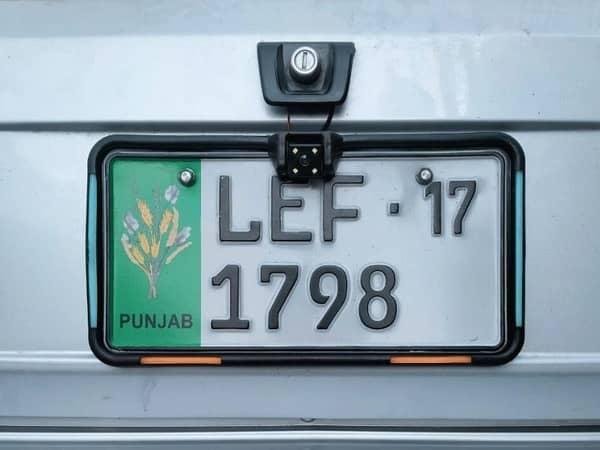
| Make, Model & Color | Ensure a stolen vehicle’s plate hasn’t been slapped onto a different car. |
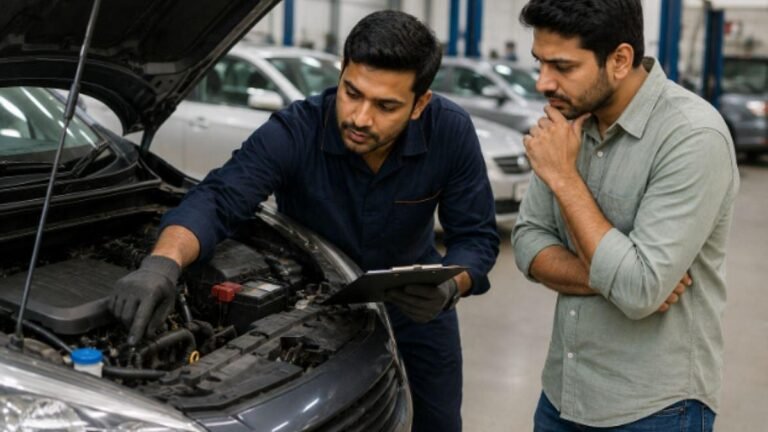
| Engine & Chassis Number | Crucial: Physically inspect the car’s engine bay and frame. If these numbers don’t match the MTMIS record exactly, walk away immediately. |
| Token Tax Status | Shows if the tax is paid up to date. If it’s pending, negotiate the price down. |
| Vehicle Application Tracking | Shows the status of the smart card (e.g., printed, dispatched). |
Note: If the website returns a “Vehicle Record Not Found” error, try adjusting the format of the number plate (with or without dashes). If it still fails, the vehicle may be unregistered, registered in another province (like Sindh or Islamabad), or the data hasn’t been updated yet.
By taking two minutes to use the MTMIS portal, you can save yourself from buying a stolen or problematic vehicle. Always verify before you hand over any cash.