
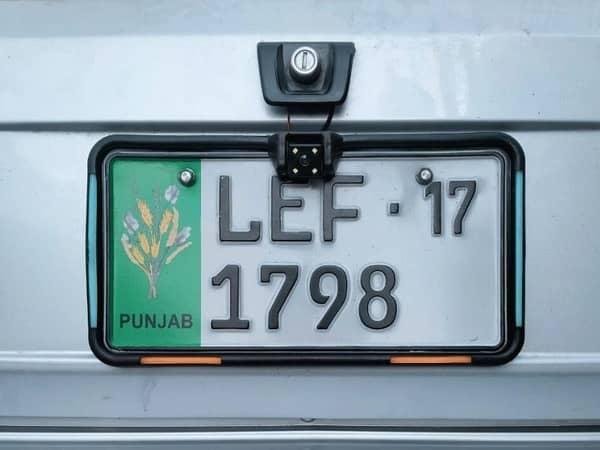
How to Check Vehicle Details by Registration Number (2026)
If you want to check vehicle details by registration number in Punjab, Pakistan, you can use the official online vehicle verification service provided by the Punjab Excise and Taxation Department. This service is useful when buying a used car, purchasing a motorcycle, verifying a vehicle’s registration, or checking whether the information provided by a seller matches the official record.
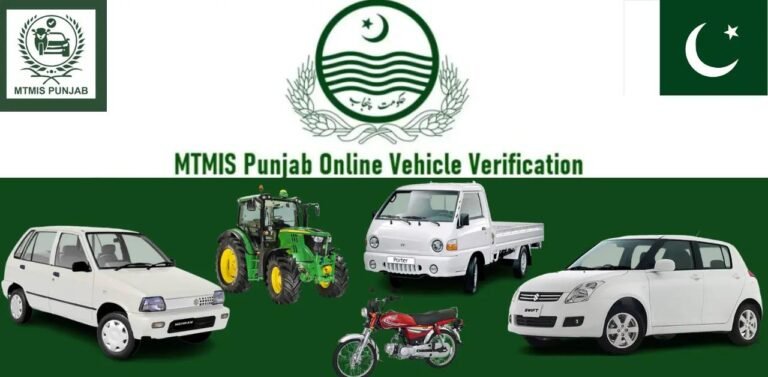
The Punjab Motor Transport Management Information System (MTMIS) allows users to look up available vehicle registration information online. You can start by visiting the official MTMIS Punjab vehicle verification portal.
In this guide, you will learn how to check vehicle details online, what information may be available, how to verify a used vehicle, and what to do if your registration number does not return a result.
What Is Vehicle Verification by Registration Number?
Vehicle verification by registration number is an online process that helps you check a vehicle’s available registration information using its assigned number plate registration number.
For example, if you are planning to buy a used Honda City, Toyota Corolla, Suzuki Alto, or Honda CD 70 motorcycle, you can use the official Punjab vehicle verification service to review the available record before completing the purchase.
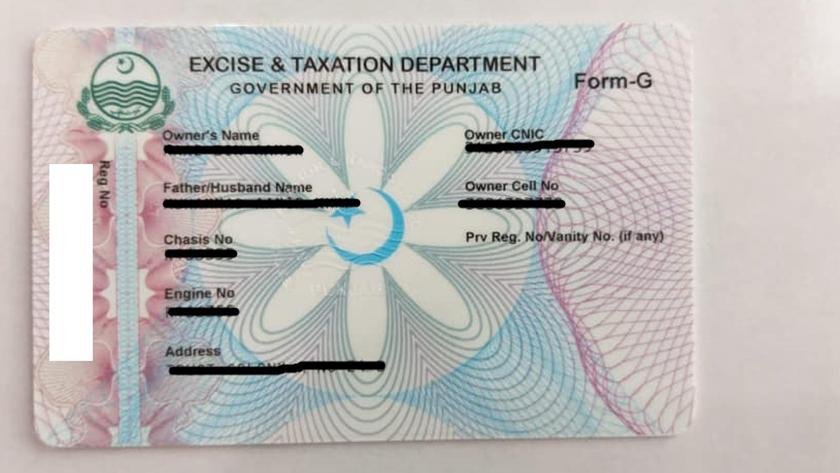
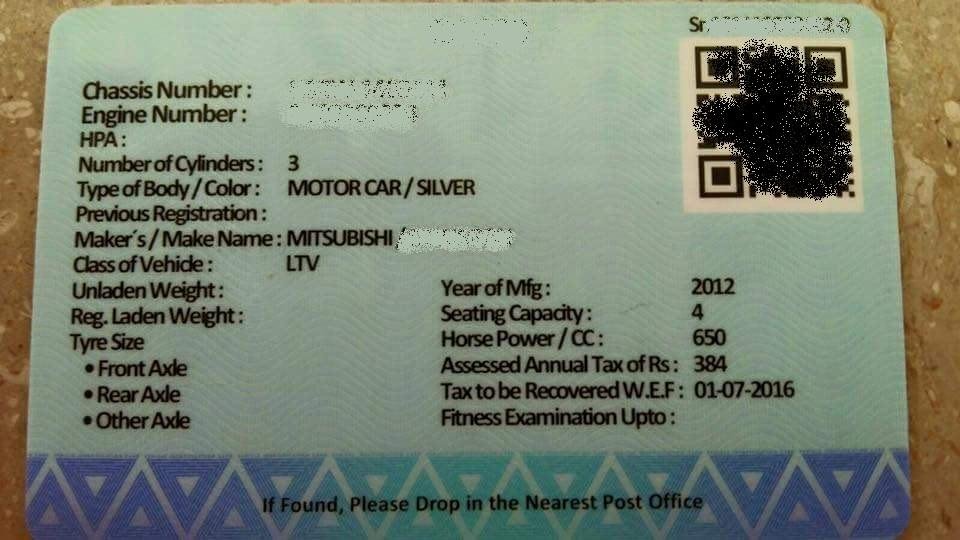
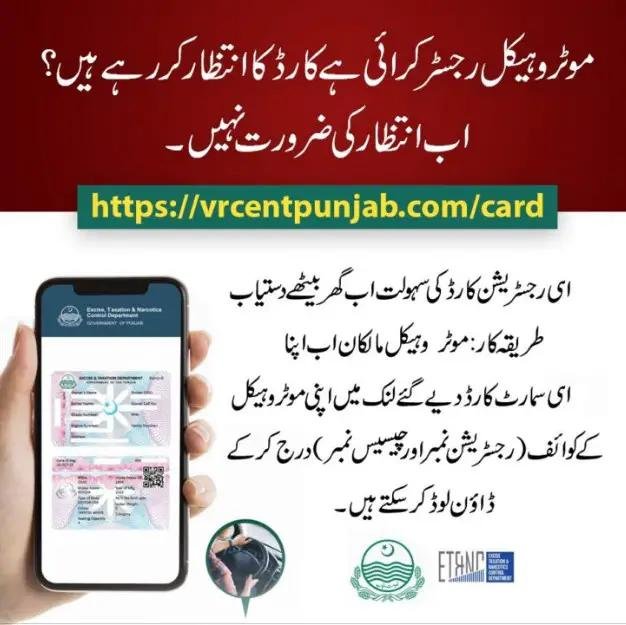
The service can help you compare the vehicle information displayed online with the registration certificate, smart card, and details provided by the seller.
Important: Online verification is a useful first step, but it does not replace a physical vehicle inspection, verification of original documents, or confirmation of legal ownership when required.
How to Check Vehicle Details by Registration Number Online
Follow these steps to check a car or motorcycle registered in Punjab.

Step 1: Open the official MTMIS Punjab portal
Visit the MTMIS Punjab vehicle verification website. You can also access it through the Punjab Excise Department’s official website.

Step 2: Enter the registration number
Type the registration number as shown on the vehicle’s number plate or registration documents. Follow the format accepted by the portal.

Step 3: Provide the registration date
If requested, select the original registration date from your vehicle documents. The current portal may also require a security code or CAPTCHA.

Step 4: Submit the search
Enter the requested security code and click the search button. Review the available registration information returned by the system.
The Punjab Excise Department lists MTMIS as its official online verification service. Follow the fields displayed on the live portal because its search requirements can change.
What Vehicle Details Can You Check Online?
Depending on the record and information available in the system, the verification result may include the following details.
| Vehicle detail | What it tells you |
|---|---|
| Registration number | The number assigned to the vehicle |
| Make and model | The manufacturer and vehicle model |
| Year of manufacture | The recorded manufacturing year, if available |
| Vehicle colour | The colour recorded in the registration database |
| Engine number | The engine identification number recorded in the system |
| Chassis number | Availability depends on the information displayed by the portal |
| Registration date | The date the vehicle was registered |
| Owner information | Registered-owner details available through the service |
| Token tax status | The recorded tax payment status, where available |
The exact fields displayed may vary by vehicle and record. Always compare the result with the original registration documents and the identification numbers on the actual vehicle.
How to Verify a Used Car Before Buying
Checking vehicle details is particularly important when buying a used car or motorcycle. Before paying the seller, take these precautions:
-
Match the registration number: Confirm that the number plate matches the registration record.
-
Verify the vehicle model: Check the make, model, colour, and manufacturing details against the actual vehicle.
-
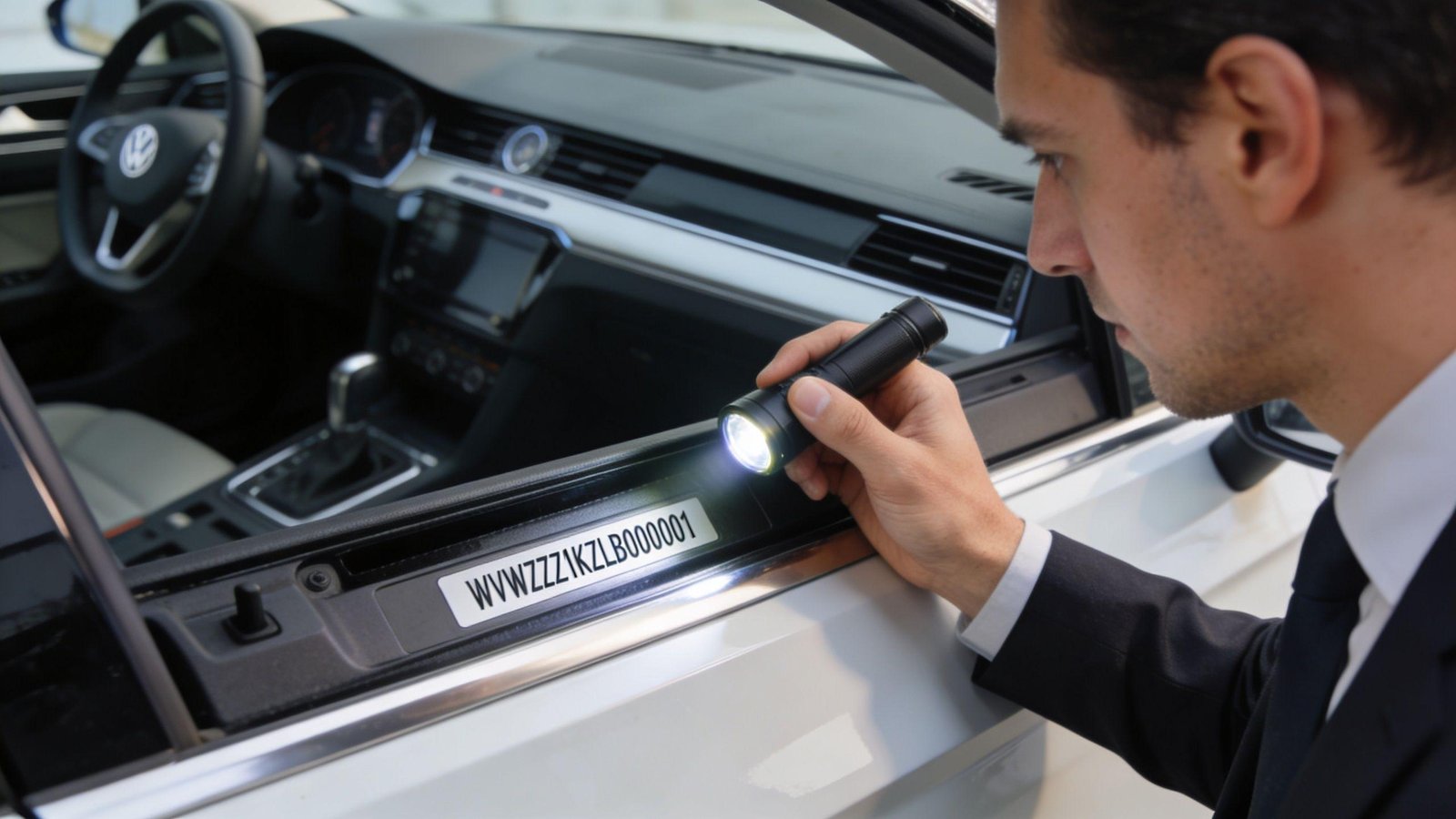
Inspect the engine and chassis numbers: Compare the stamped numbers with the official documents. Ask an authorised professional or relevant authority to investigate any mismatch.
-
Check the registered owner: Make sure the seller is the registered owner or can legally complete the ownership transfer.
-
Review tax dues: Check whether token tax or other applicable payments remain outstanding.
-
Confirm legal status: If you have concerns about theft, tampering, or disputed ownership, obtain additional verification from the relevant police or Excise authority.
Online registration information alone does not guarantee that a vehicle is free from theft reports, financing claims, legal disputes, or physical tampering. Additional checks may be necessary before purchasing it.
What If Your Vehicle Registration Number Is Not Found?
Sometimes the MTMIS Punjab portal does not display a result. This does not automatically mean that the vehicle is unregistered.
Try the following solutions:
-
Check the number format: Enter the registration number using the format requested by the portal.
-
Confirm the registration date: If required, check the date against the original registration certificate or smart card.
-
Check for typing errors: Review letters, digits, spaces, and hyphens.
-
Confirm the registration province: MTMIS Punjab is intended for vehicles registered in Punjab. Vehicles registered in Sindh, Khyber Pakhtunkhwa, Balochistan, or Islamabad may require a different official verification service.
-
Try again later: Temporary website or database issues can affect searches.
-
Contact Excise: If the details remain unavailable or incorrect, contact the Punjab Excise Department through its official website.
Do not assume a vehicle is fraudulent solely because an online search fails. Resolve the issue through the relevant authority before completing a purchase.
Is MTMIS Punjab Vehicle Verification Free?
The online verification service is provided through the Punjab Excise Department’s official portal. You can access the service through the department’s website without using an unofficial paid lookup website.
For safety, open the portal directly from Punjab Excise and avoid entering personal or payment information on imitation websites.
Frequently Asked Questions (FAQs)
1. How can I check vehicle details by registration number in Punjab?
Visit the official MTMIS Punjab portal, enter the registration number, provide the registration date and CAPTCHA if requested, and submit the search.
2. Can I check motorcycle details using the registration number?
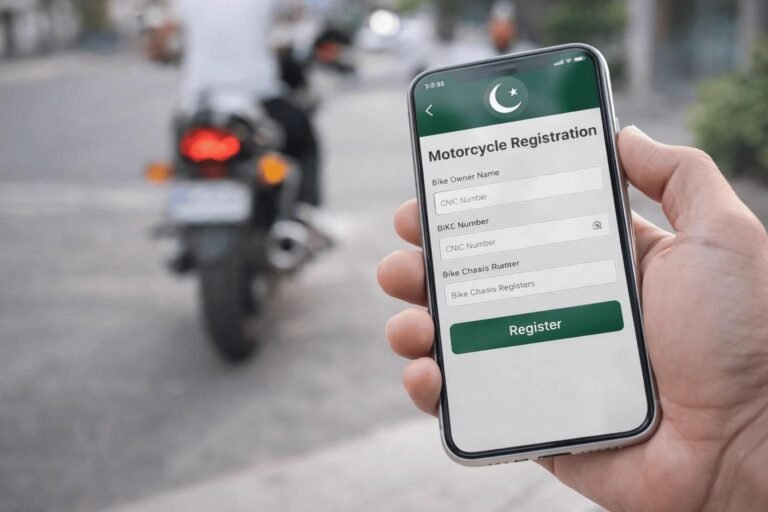
Yes. The service covers eligible Punjab-registered motorcycles as well as cars and other registered motor vehicles.
3. Can I check vehicle owner details online?
The official portal may display registered-owner information as part of its verification result. Use that information only for legitimate vehicle verification and purchase-related purposes.
4. Can I check a vehicle registered outside Punjab?
MTMIS Punjab is intended for Punjab-registered vehicles. For vehicles registered elsewhere, use the relevant province’s or Islamabad’s official verification service.
5. Can I check token tax using a vehicle registration number?
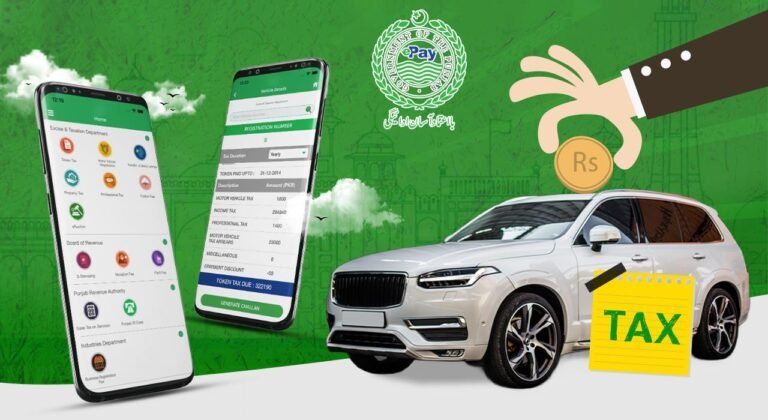
You can use the official ePay Punjab portal to access the relevant vehicle tax payment service and review the available payment information.
6. What should I do if the vehicle details do not match?
Do not complete the purchase until you have investigated the discrepancy. Compare the documents and physical identification numbers, then seek clarification from Punjab Excise or the appropriate authority.
7. What is the official MTMIS Punjab website?
The official vehicle verification portal is mtmis.excise.punjab.gov.pk, which is linked from the Punjab Excise Department’s website.
Conclusion
Checking vehicle details by registration number is a useful first step when verifying a car or motorcycle in Punjab, Pakistan. Through the official MTMIS portal, you can review available registration information, compare it with vehicle documents, and identify discrepancies before buying a used vehicle.
For the most reliable results, use the official government portal, inspect the vehicle’s engine and chassis numbers, and complete the necessary ownership and legal checks before making a purchase.
For more vehicle registration guides, smart card tracking instructions, token tax information, and ownership transfer tutorials, visit MTMIS Punjab
Suggested internal links:
One Comment