
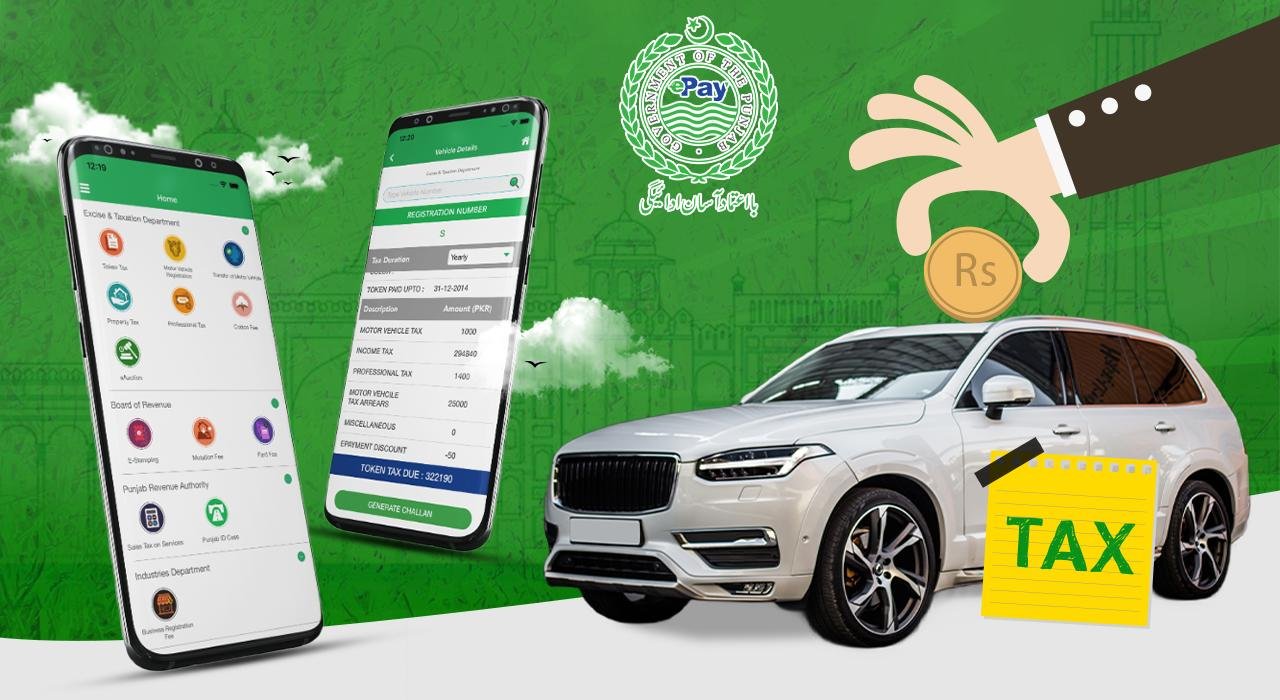
How to Check and Pay Vehicle Token Tax in Punjab (2026)
Vehicle token tax is an important tax that vehicle owners in Punjab, Pakistan, may need to pay to the Excise and Taxation Department. Whether you own a car, motorcycle, or commercial vehicle, checking your token tax status regularly can help you avoid outstanding dues and keep your vehicle records up to date.
The good news is that Punjab residents can check and pay vehicle token tax online through the official ePay Punjab portal or mobile application. The service allows users to retrieve the relevant payment details, generate a Payment System Identifier (PSID), and pay through supported banking channels.
In this guide, you will learn how to check vehicle token tax online, generate a payment challan, pay your dues, and resolve common payment problems
What Is Vehicle Token Tax in Punjab?
Vehicle token tax is a motor vehicle tax administered by the Punjab Excise and Taxation Department. The applicable amount depends on factors such as the vehicle category, engine capacity, and relevant tax rules.
Vehicle owners should check their current tax status before assuming that a payment is due or that their vehicle’s tax is fully paid.
For official information about motor vehicle taxes, rates, and applicable concessions, visit the Punjab Excise Motor Vehicle Tax page
How to Check Vehicle Token Tax Online in Punjab
You can check your vehicle’s token tax information using the official ePay Punjab website.
Step 1: Open the ePay Punjab portal
Visit the official ePay Punjab website. You can also use the official ePay Punjab mobile application.
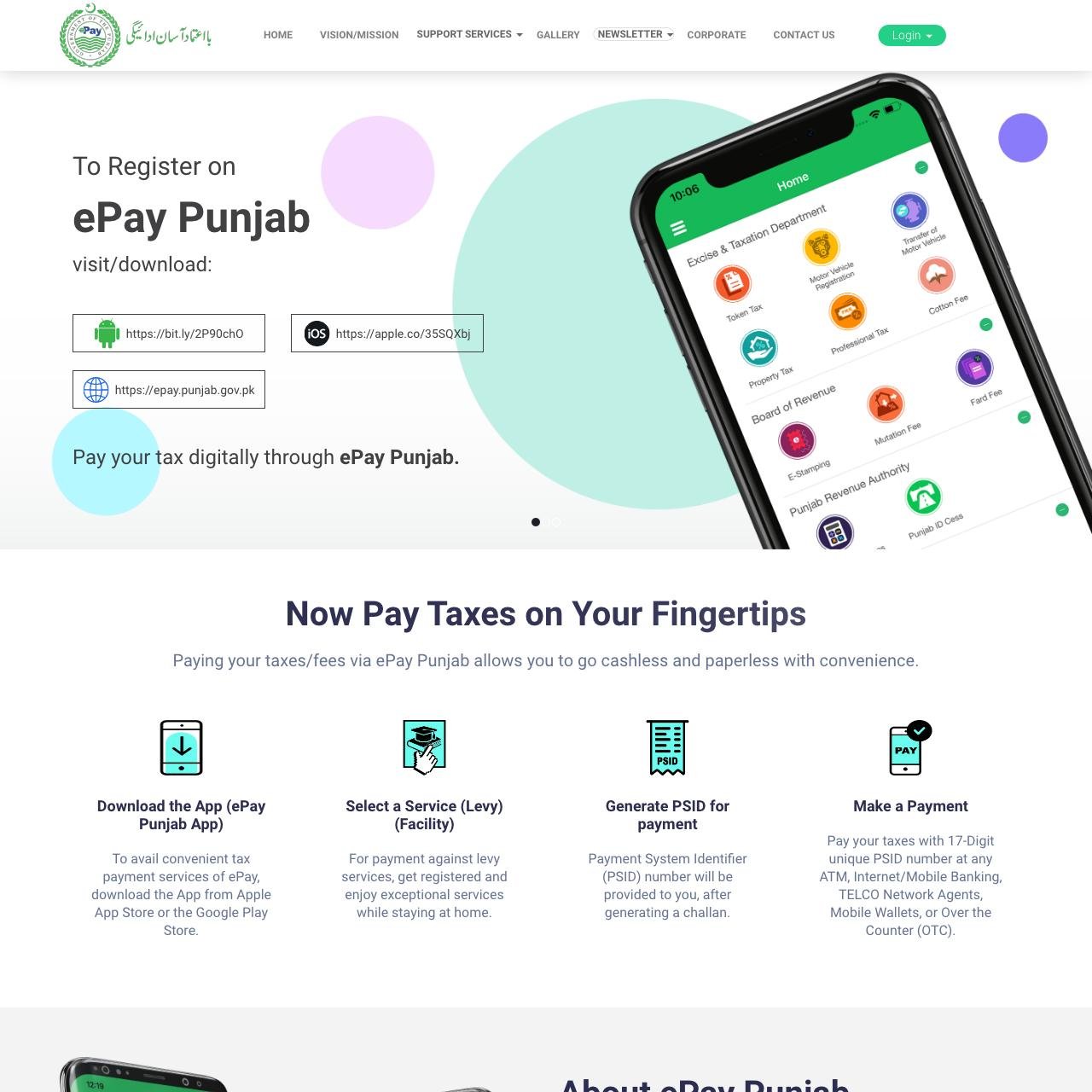
Step 2: Select Token Tax
Navigate to the Excise and Taxation Department section and select the Token Tax service.
Step 3: Enter your vehicle registration number
Enter your car or motorcycle registration number in the requested field. Submit the information to retrieve the available vehicle and tax details.
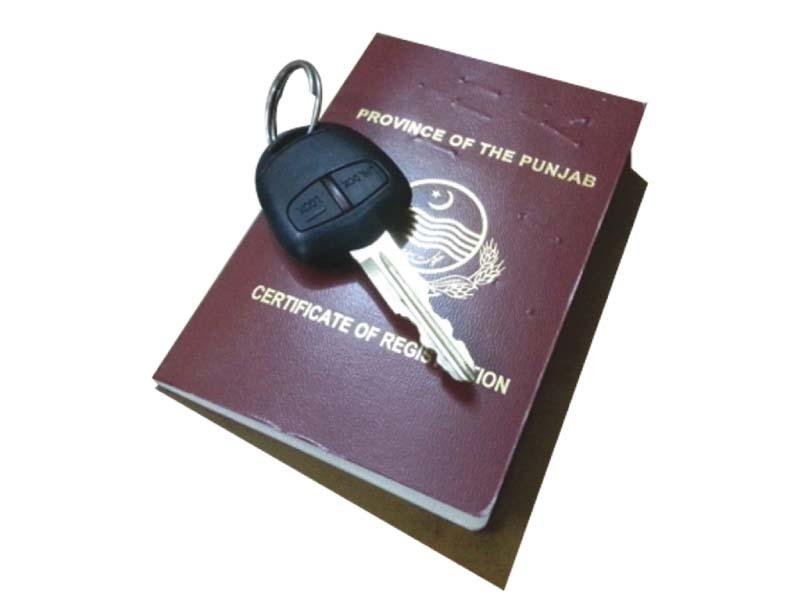
Step 4: Review the tax details
Check the displayed vehicle information, outstanding amount, and payment details before generating a challan.
 These steps follow the official ePay Punjab payment process.
How to Pay Vehicle Token Tax Online in Punjab
Once you have checked your vehicle’s tax details, follow these instructions to pay online.
Step 1: Generate a Token Tax Challan
After confirming your vehicle information and payable amount, select the option to generate a challan. The system will provide a unique 17-digit PSID (Payment System Identifier).
Keep this number safe because it is used to identify your payment.
Step 2: Choose a Payment Method
You can pay the generated PSID using a supported payment channel, including:
-
Mobile banking
-
Internet banking
-
ATM
-
Participating bank branches or over-the-counter services
-
Supported mobile wallets and other authorised payment channels
The available methods may vary by provider. Check the official ePay Punjab portal for the current options.
Step 3: Enter the PSID
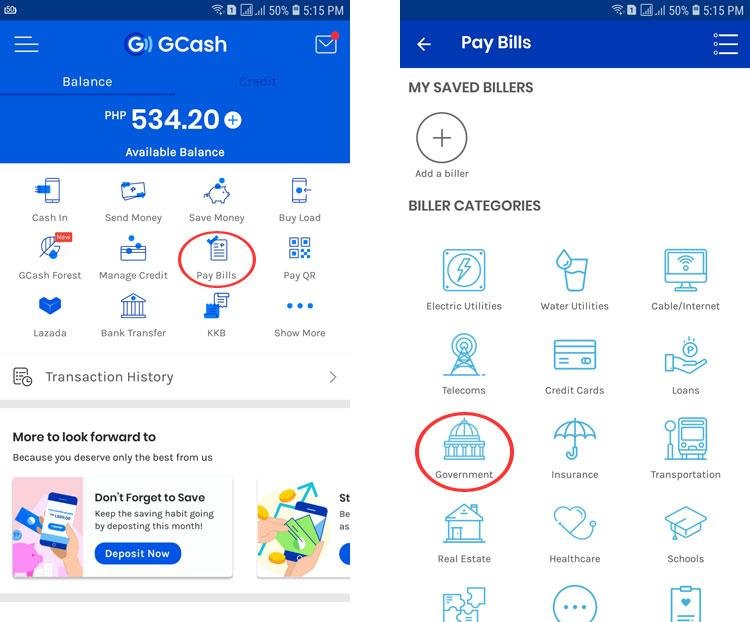
Open your chosen banking or payment application and find the government payment or bill-payment option. Select the appropriate service, enter your 17-digit PSID, and verify that the displayed amount and payment details are correct.
Step 4: Confirm the Payment
Complete the payment through your selected channel. Save the transaction receipt, reference number, or confirmation message for future use.
Step 5: Verify Your Token Tax Status
After payment, check your vehicle’s token tax details again through the relevant official service. Allow time for the payment to be processed if the updated information is not immediately available.
For additional guidance, see the official ePay Punjab tax payment user guide.
How Much Is Vehicle Token Tax in Punjab?
The token tax amount depends on the vehicle type and the applicable tax schedule. Cars, motorcycles, and commercial vehicles can have different rates and payment requirements.
The Punjab Excise Department publishes the relevant tax schedules on its official website. Use the Motor Vehicle Tax page to check the applicable rates.
Do not rely on a single fixed amount for every vehicle. The amount shown for your specific vehicle in the official payment system is the appropriate starting point for checking your payable dues.
Benefits of Paying Token Tax Online
Paying through ePay Punjab can make the process more convenient for vehicle owners.
-
Convenience: You can initiate payment without visiting an Excise office solely to pay the tax.
-
Multiple payment channels: The system supports several authorised banking and payment methods.
-
Digital payment reference: The PSID helps identify the relevant government payment.
-
Payment record: You can retain your transaction receipt as evidence of payment.
-
Time savings: Online payment can reduce the need to queue at a payment counter.
These are among the conveniences of Punjab’s official digital government payment service.
Common Problems When Checking or Paying Token Tax
| Problem | Suggested solution |
|---|---|
| Vehicle number is not recognised | Check the registration number and enter it in the format requested by the portal. |
| Token tax amount appears incorrect | Review the vehicle details and contact the Excise Department if the discrepancy remains. |
| PSID cannot be found | Confirm that the PSID was generated correctly and has not expired. Generate a new challan if required by the portal. |
| Online payment fails | Check your bank or wallet transaction status before attempting payment again. |
| Payment is deducted but tax is not updated | Keep your transaction receipt and contact ePay Punjab support or the relevant Excise office. |
| Previous tax dues appear | Review the tax breakdown and ask the department to clarify any disputed charges. |
Important: If money has been deducted but the transaction status is unclear, verify the original transaction before paying the same challan again.
Can You Check Token Tax Through MTMIS Punjab?
MTMIS Punjab is primarily used for checking available vehicle registration information. For paying vehicle token tax, use the dedicated ePay Punjab portal.
You can visit MTMIS Punjab for additional guides about vehicle verification, registration, smart card tracking, and other vehicle-related services in Punjab.
Frequently Asked Questions (FAQs)
1. How can I check vehicle token tax online in Punjab?
Visit ePay Punjab, select Excise and Taxation, choose Token Tax, and enter your vehicle registration number as requested. Review the tax details returned by the system.
2. How can I pay car token tax online?
Generate a challan through the official ePay Punjab service, obtain the 17-digit PSID, and pay through a supported banking or payment channel.
3. Can I pay motorcycle token tax online?
Yes. You can use the official ePay Punjab Token Tax service for an eligible motorcycle registered in Punjab.
4. Is ePay Punjab an official government payment service?
Yes. ePay Punjab is the Government of Punjab’s online payment platform for government receipts, including motor vehicle token tax.
5. What is a PSID in token tax payment?
PSID stands for Payment System Identifier. It is a unique 17-digit reference generated for the payment, which you use through a supported payment channel.
6. What should I do if my token tax payment is not updated?
Keep your payment receipt, check the transaction status, and contact ePay Punjab support or the relevant Excise office if the vehicle’s tax record remains unchanged.
7. Where can I find the latest token tax rates?
Check the official Punjab Excise Motor Vehicle Tax page, which publishes the applicable tax schedules and related information.
Conclusion
Checking and paying vehicle token tax in Punjab is easier through the official ePay Punjab platform. Enter your vehicle registration number, review the tax details, generate a PSID, and complete the payment through an authorised channel. Always keep your receipt and confirm that the payment has been recorded.
For more helpful vehicle registration and verification guides, visit MTMIS Punjab
One Comment